


The Hidden Technology on Your iPhone
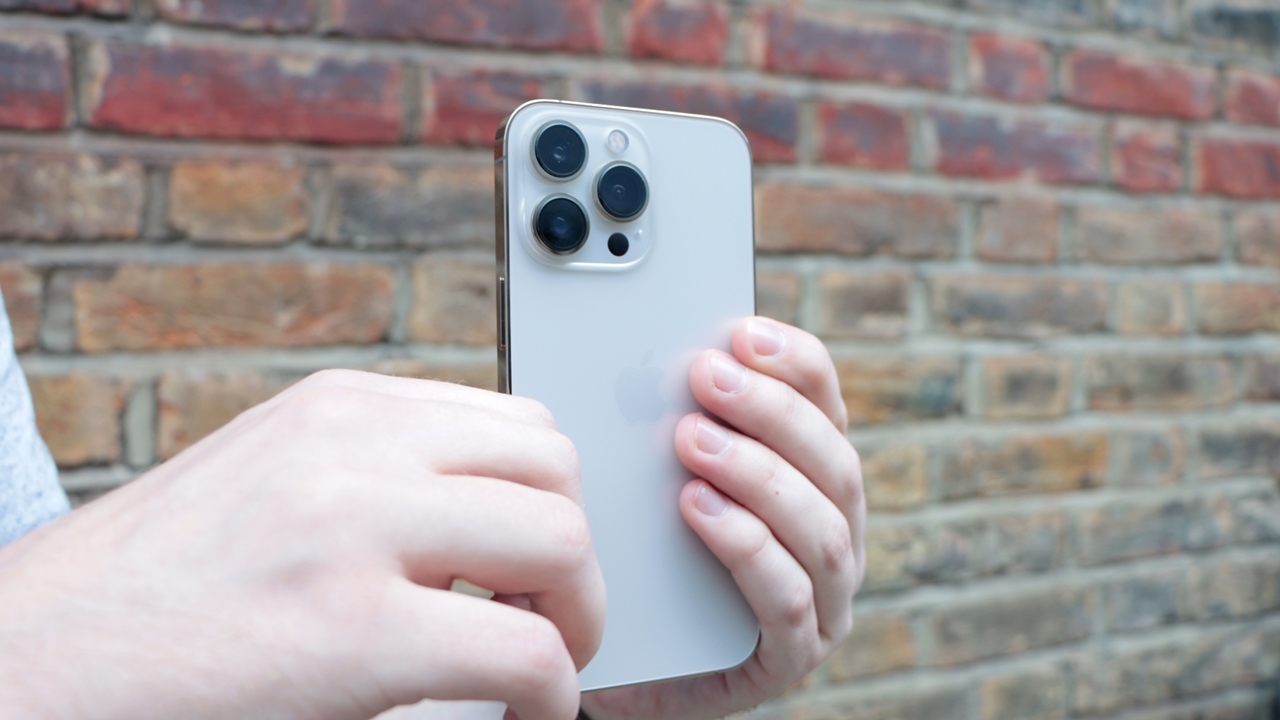
Recently, a topic on Weibo caused a stir regarding the “hidden button” on the back of the iPhone. Many users were amazed when they discovered that by simply tapping the back of their iPhone, they could take screenshots or record audio—almost like there’s an invisible physical button right beneath the back glass.
This revelation got the internet buzzing, sparking a frenzy on forums. However, Apple quickly clarified the situation. There’s no hidden physical button under the back of the iPhone; this is actually a feature called Back Tap, which has been part of iOS for quite some time.
“Back Tap” – A Long-Standing Feature That Few Knew About
The Back Tap feature has actually been available since iOS 14 and is compatible with all iPhones starting from the iPhone 8. But because this feature is found under the Accessibility settings, many users were unaware of it.
With Back Tap, users can assign simple actions such as taking a screenshot, recording audio, opening the Control Center, or even launching shortcuts like payment codes or favorite apps—just by tapping the back of the phone.
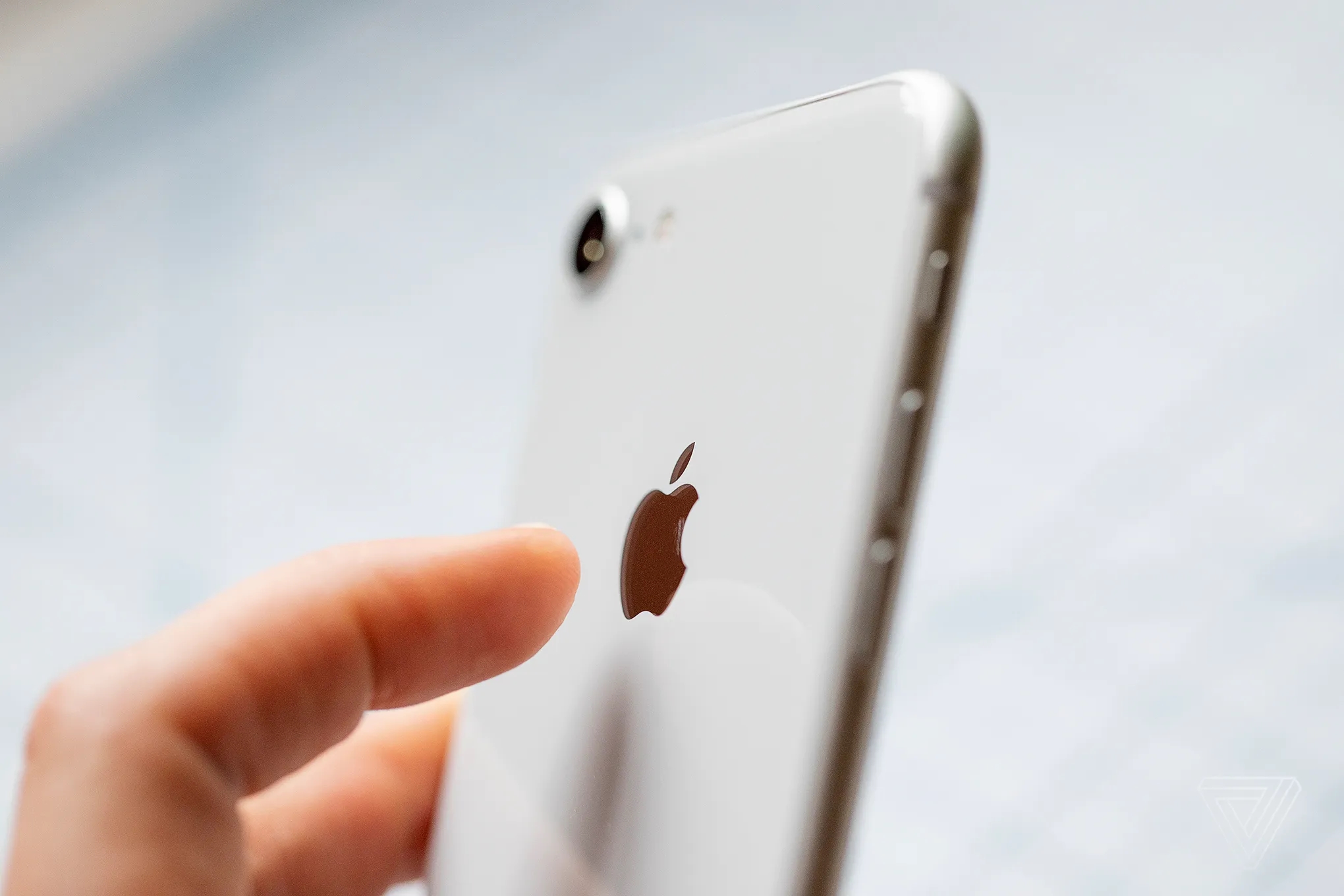
Apple explains that this feature uses internal sensors to detect the vibrations from a tap, which then triggers the actions you’ve set up.
How to Enable the “Back Tap” Feature on Your iPhone
To use Back Tap on your iPhone, simply go to Settings > Accessibility > Touch and turn on Back Tap. Here, Apple lets users customize the actions for double-tap or triple-tap.
While turning on this feature is easy, it’s buried under Accessibility settings, which is why many people miss it and overlook this handy feature. Apple confirms that Back Tap is available on all iPhones running iOS 14 or later.
A Few Things to Keep in Mind
While Back Tap is incredibly convenient, some users have noted that the feature may not be as responsive when using thicker phone cases. Apple recommends tapping gently in the center of the back of the phone, rather than near the edges, to ensure the sensor accurately detects the action.
There’s also concern about accidentally triggering the feature when the phone is in your pocket. However, Apple assures that it has a smart filtering algorithm to minimize false triggers.
From Assistive Tool to Performance Optimizer
Originally, Back Tap was designed by Apple as an assistive tool for users who may have difficulty interacting with their phones, particularly those who need easier access to technology. But over time, this feature has evolved beyond its original purpose, becoming a tool to help users optimize their daily phone usage.
Live Photos Are Also Making Waves
In addition to the “hidden button,” another feature causing a stir on Weibo is Live Photos. Many users have complained that Apple’s automatic system for choosing profile pictures often selects the worst moments, like blinking or chewing.
Apple explains that the system randomly selects the profile photo, and there’s no option to change the default algorithm. However, users can manually edit Live Photos to select the best frame as the main image. Another tip from Apple is to enable HDR mode to ensure that the frames are of consistent quality, making it easier to choose the best profile picture.
Back Tap is truly a fantastic, hidden feature on the iPhone that many have overlooked. Although it has been around for some time, it’s only now that it’s gaining attention and being discovered. This is one of the exciting hidden features Apple offers to enhance user experience with smoother, more convenient functionality.
Try using this feature to optimize your iPhone usage every day, and don’t forget to share these handy tips with your friends about what the iPhone can do!